
môre
môre · Unpacking Figma
A Figma talk to cut rework
Overview
In the rush to ship journeys, screens and components, Figma files arrived poorly built, and the details came back later as bugs, broken layouts and wrong implementations. To cut that rework, we put together a best-practices talk, which in January 2023 became an edition of Môre Bastidores, môre’s monthly meetup, open to outside designers too.
A reference to come back to
Made to stay available to the team: anyone with a question can go back to the slides when needed, without relying on the presenter.
The why behind each feature
Each feature comes with the reason it exists and its effect on the rest of the process, from design to code.
Memes that stick
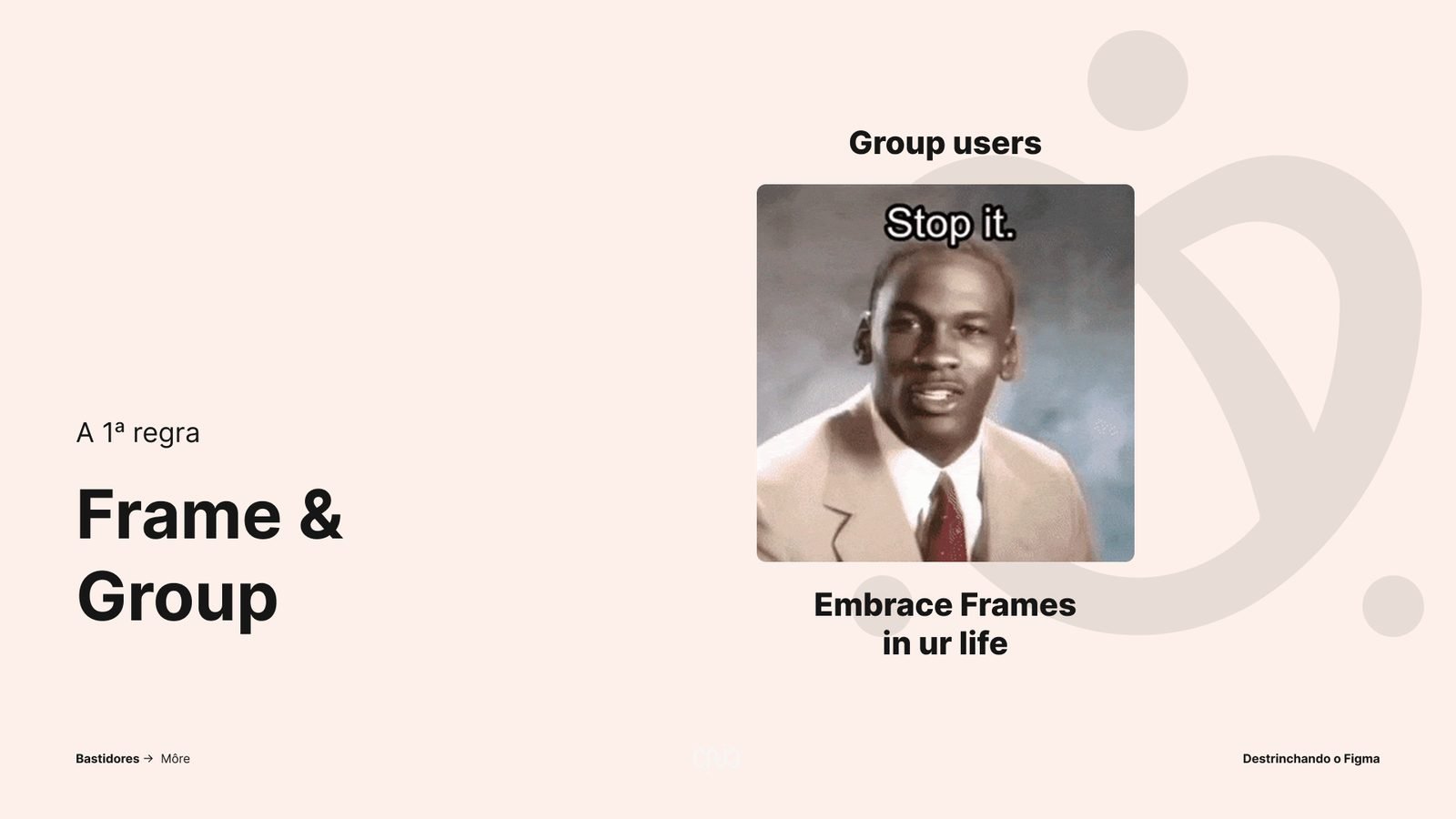
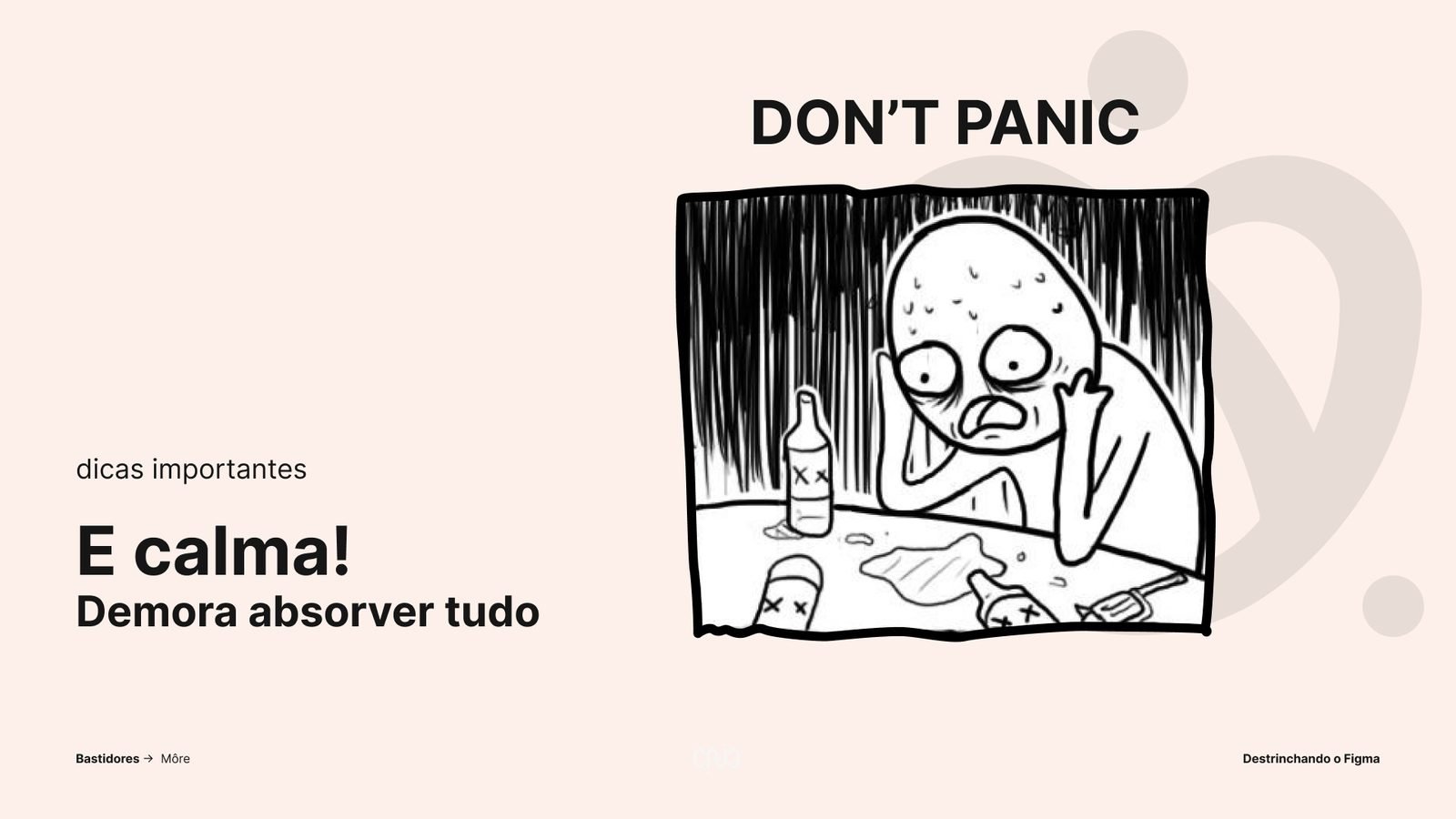
It’s a lot to take in at once, so memes and visual examples help it stick. Complex doesn’t mean hard: the rest sinks in day to day.
Record audience
The edition drew the largest audience Môre Bastidores had ever had, with positive feedback.
The process
Where the idea came from
Constant rework was draining the team’s time and energy. The talk was first planned around the Team Library case study, but the client didn’t clear that topic for the event. A conversation with management in December 2022 turned the topic into the best practices that prevent this rework.
In practice
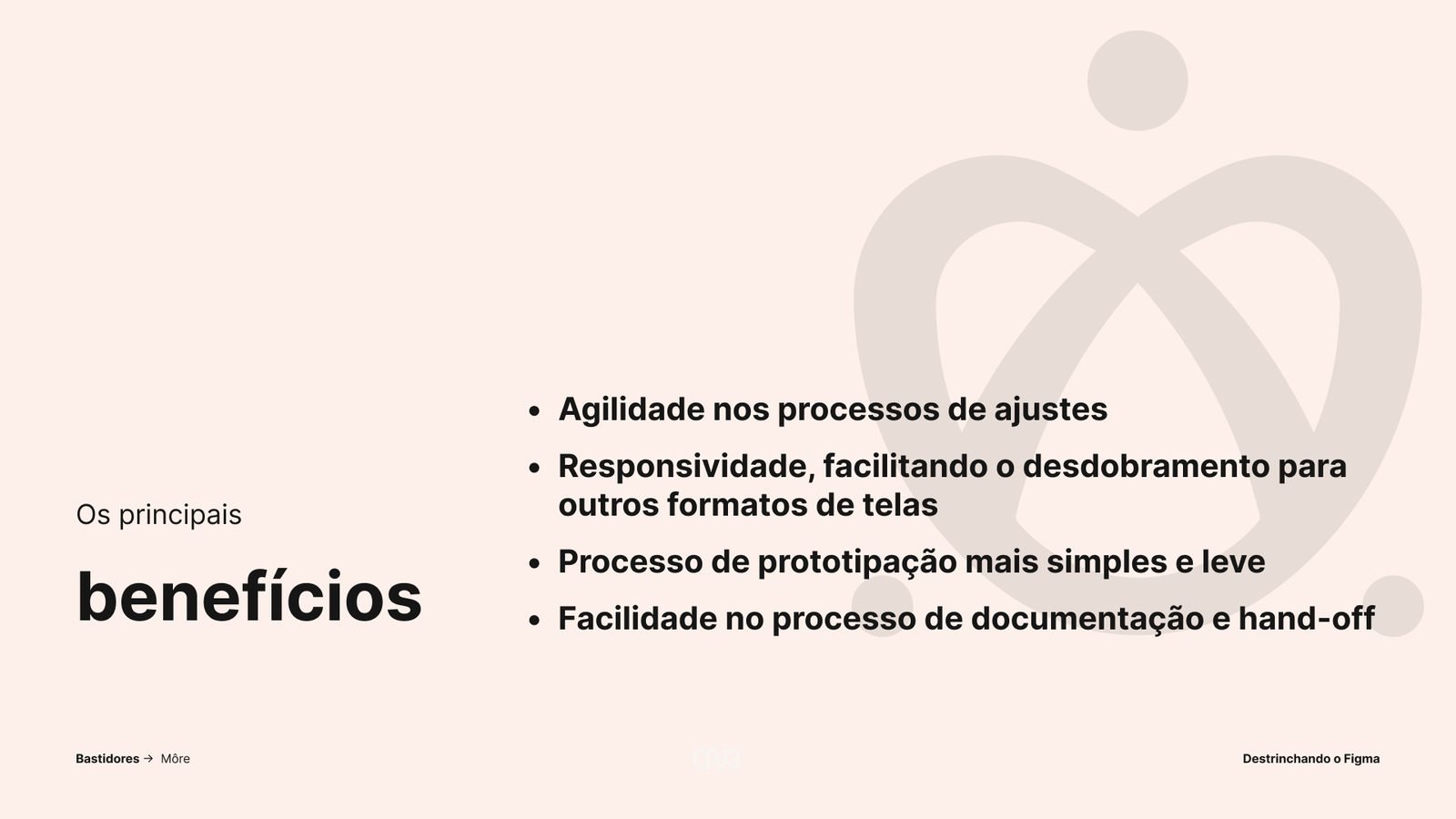
With a well-built file, changing one area rearranges the rest of the screen on its own, the structure already shows how each part behaves at each screen size, prototypes get lighter and developers find everything explained. Less time hunting for what broke, more time to think about the product.
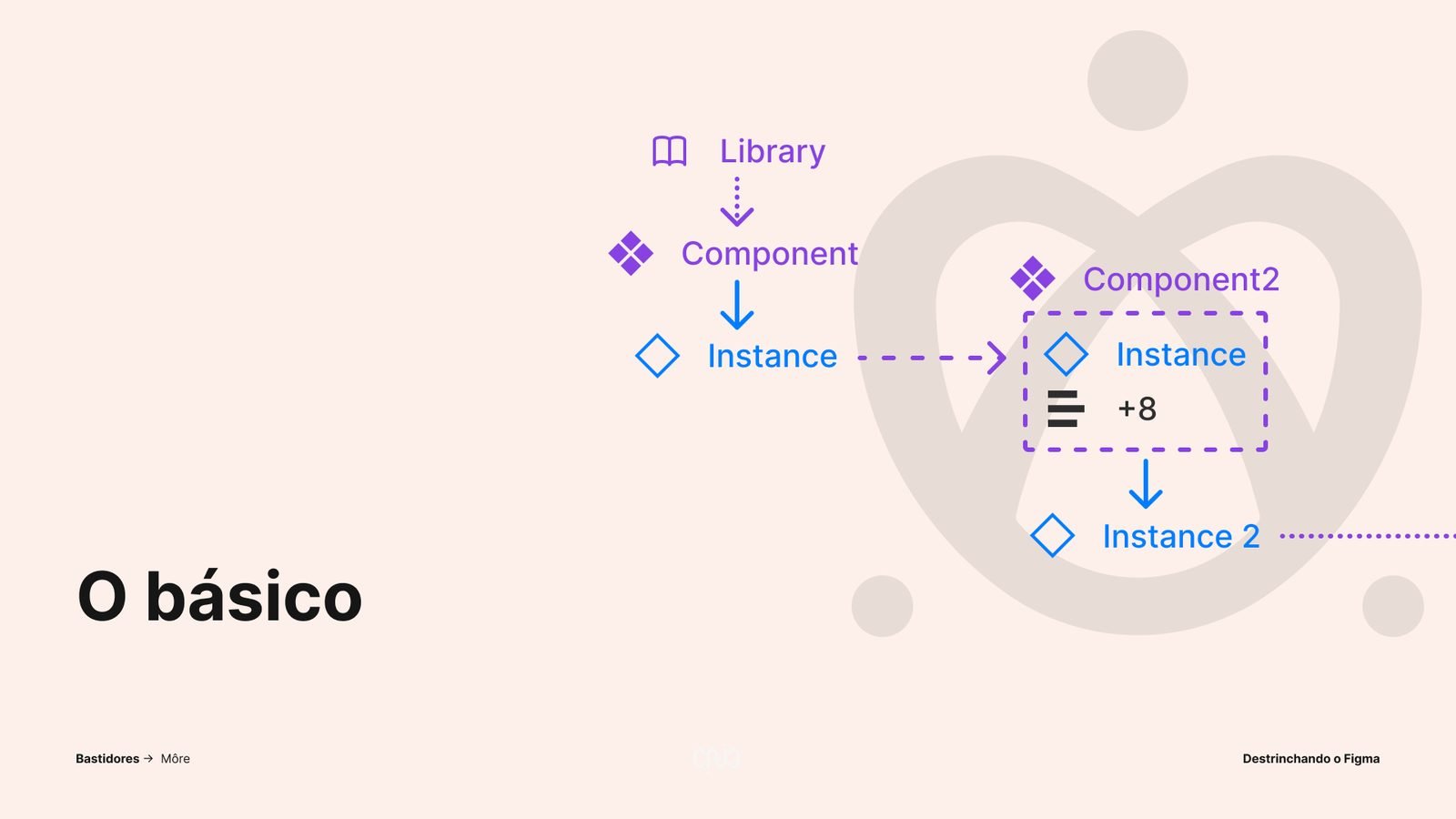
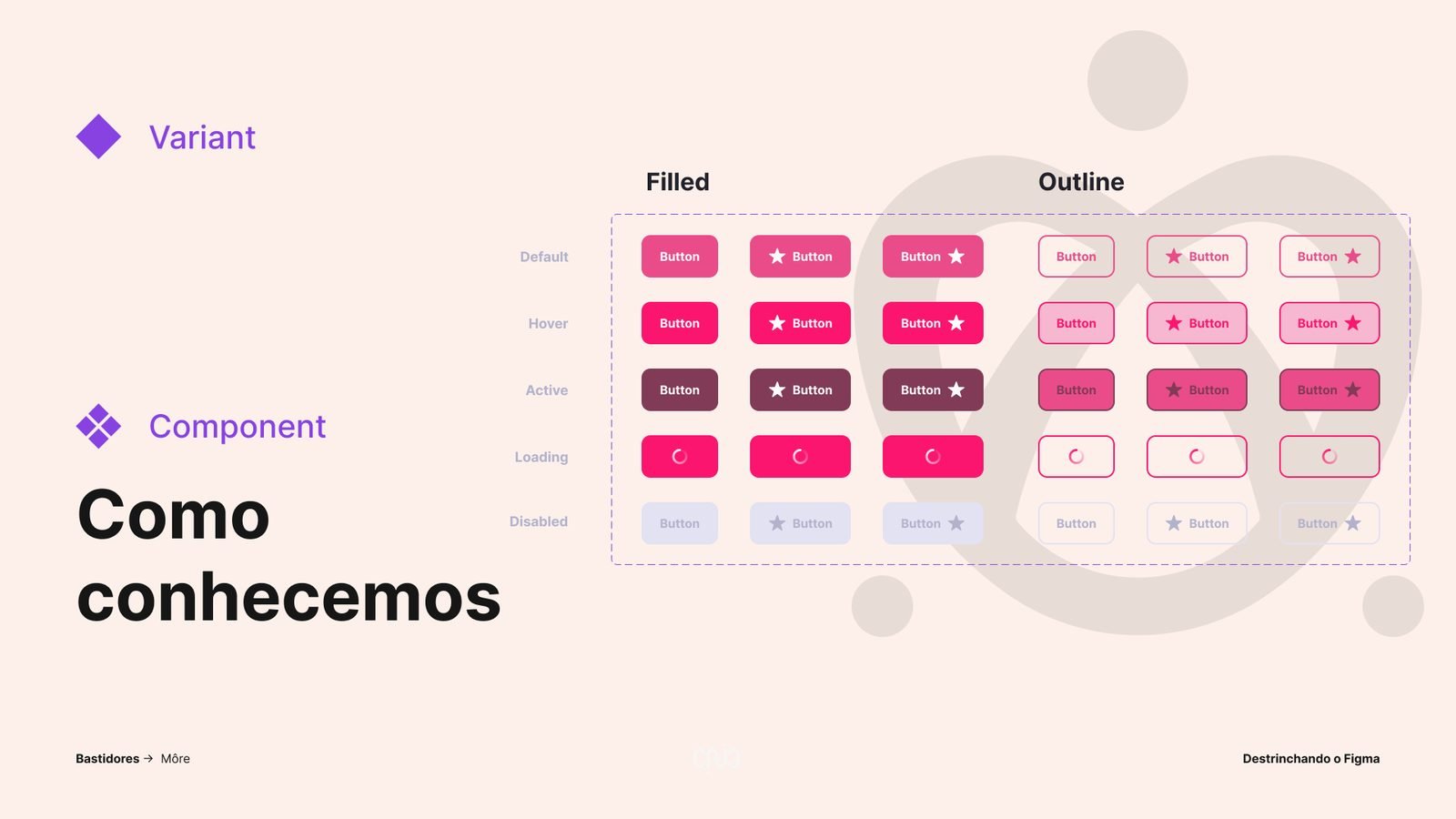
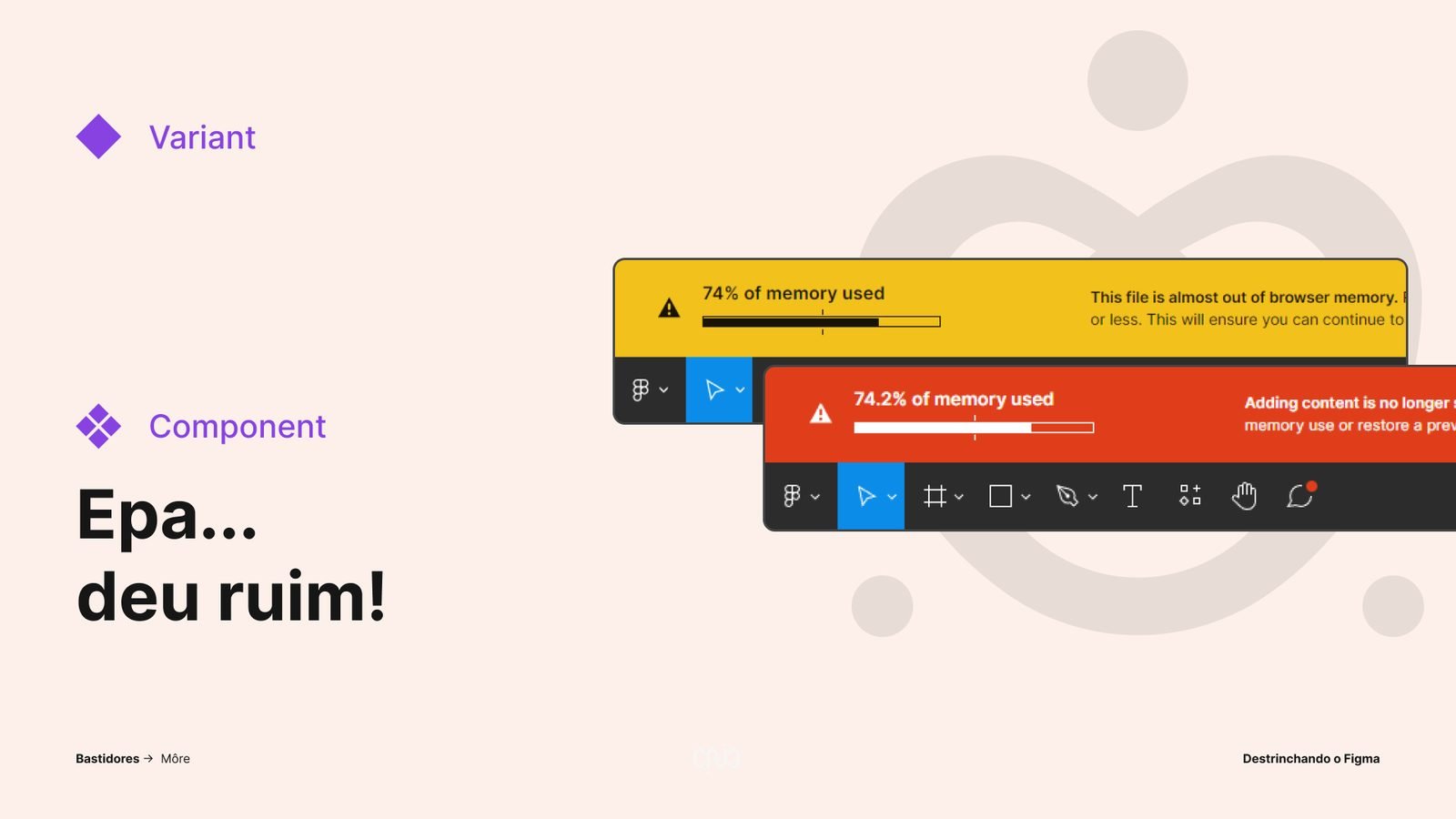
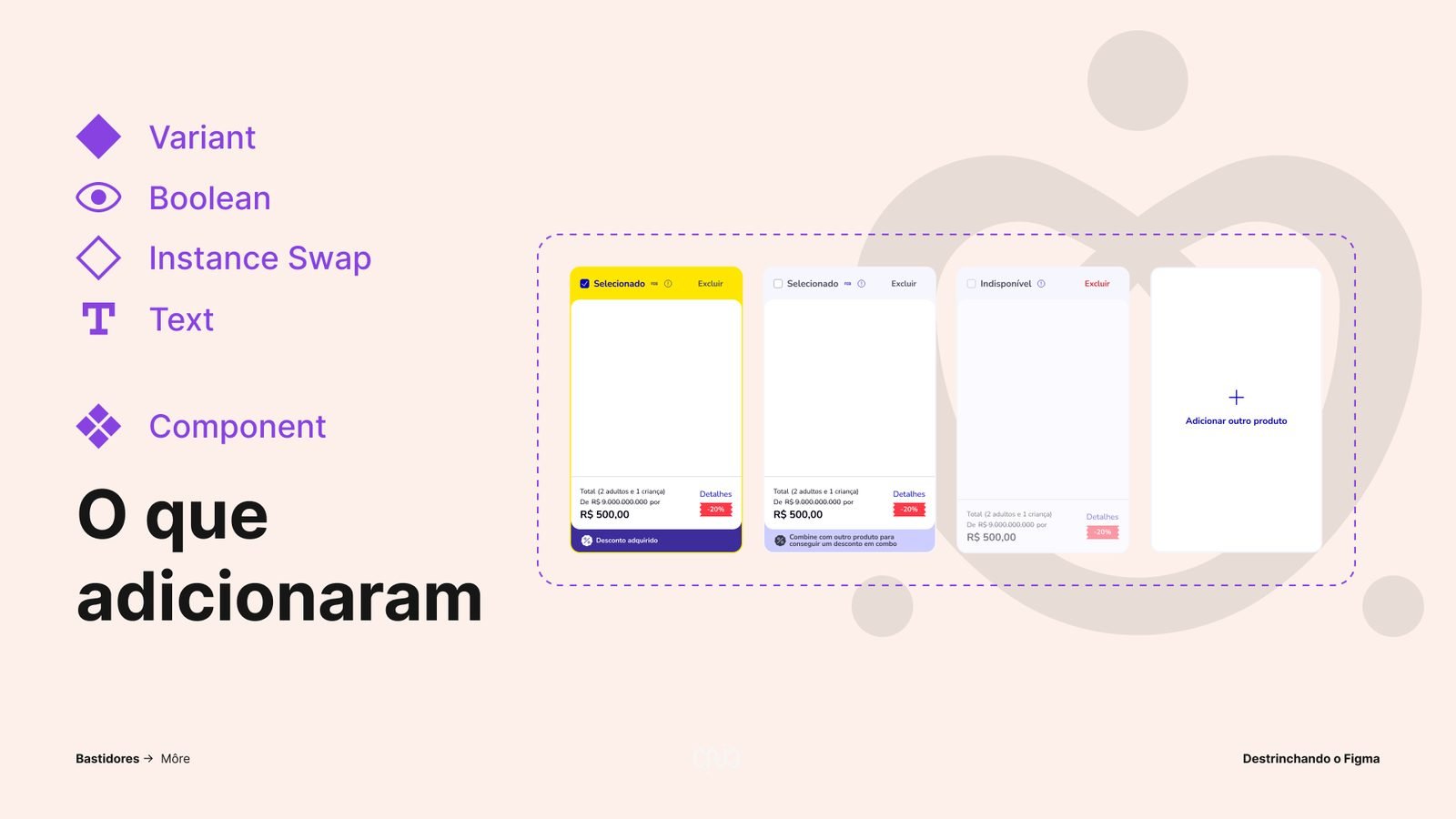
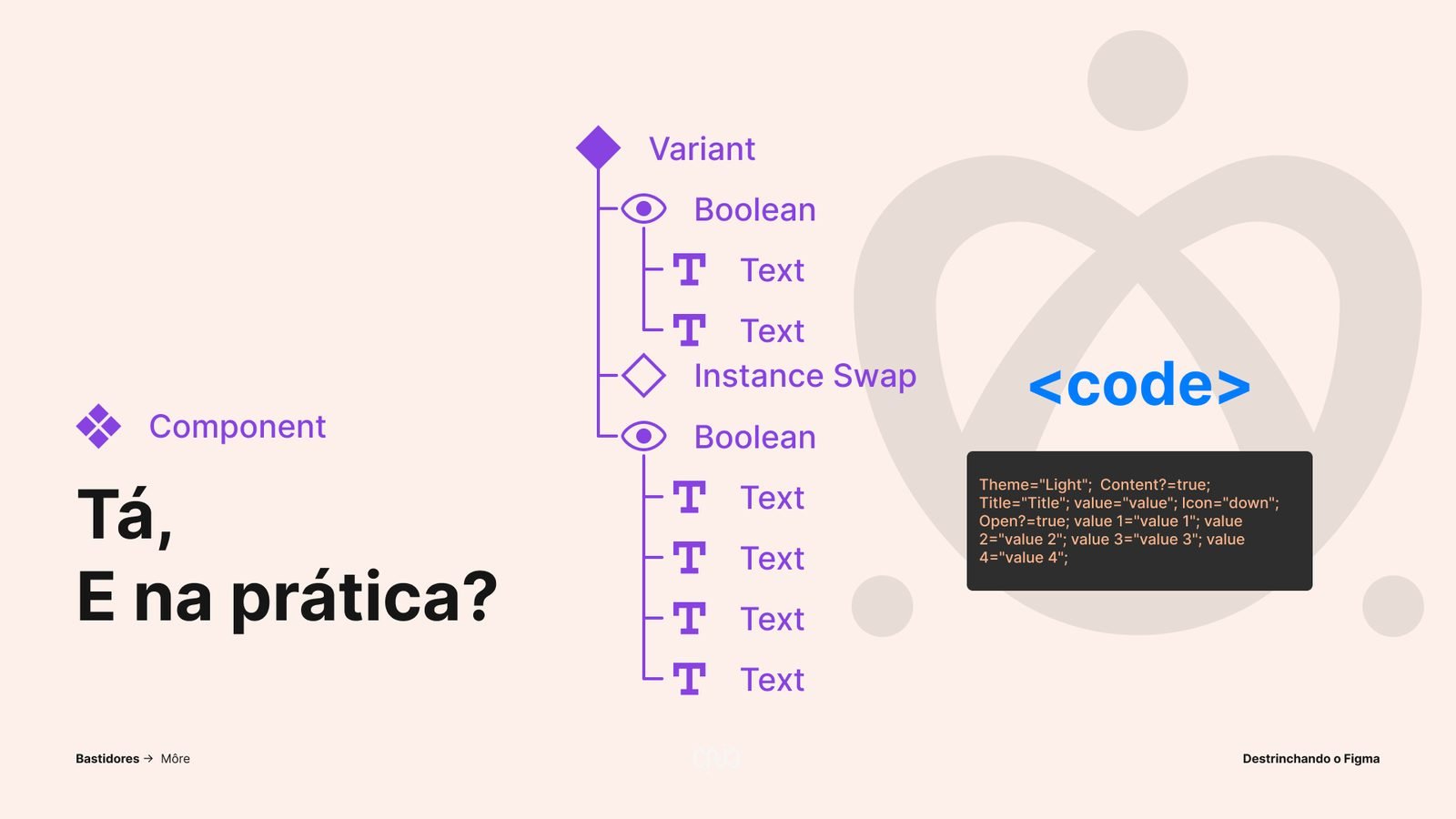
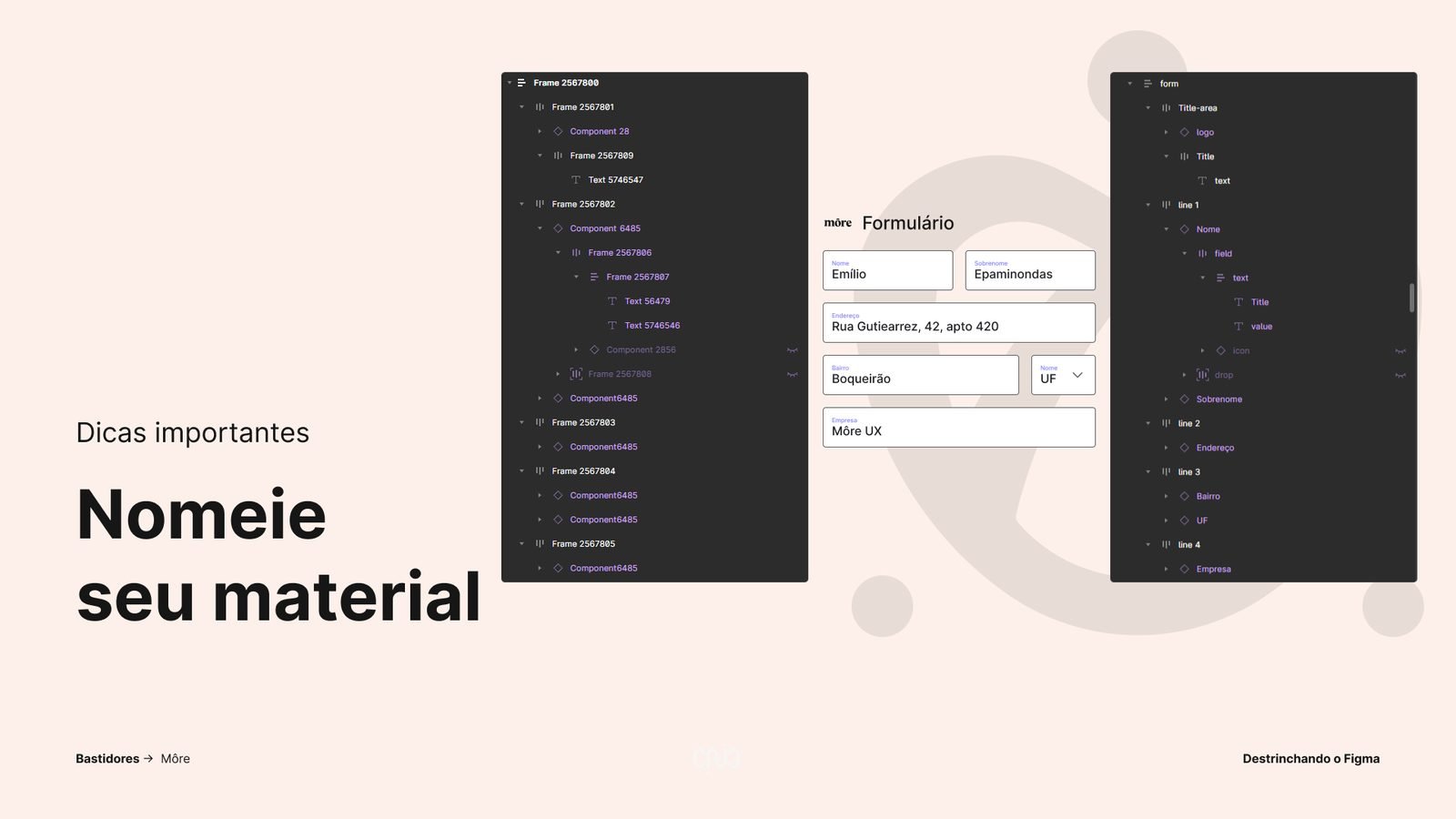
The deck
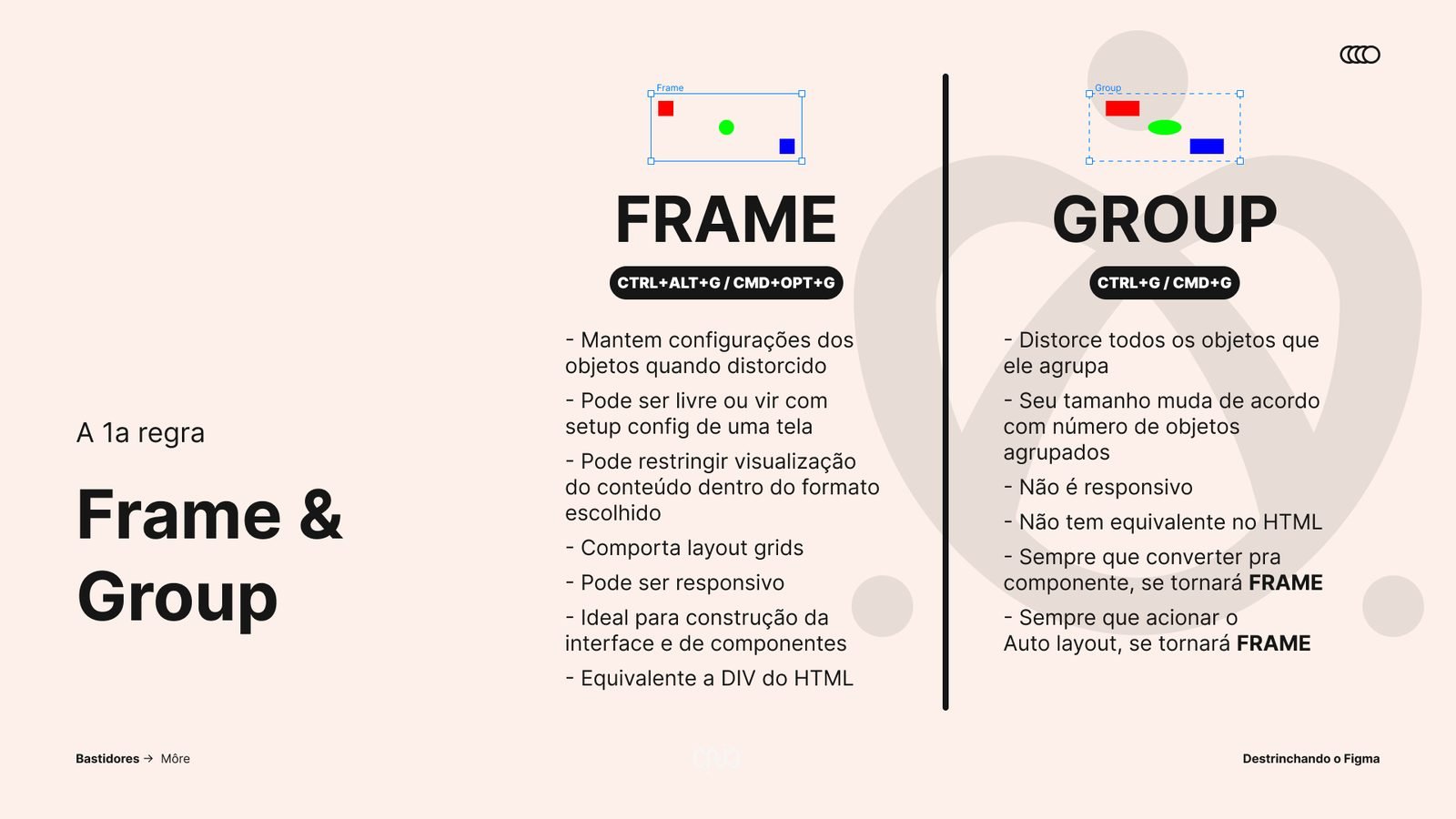
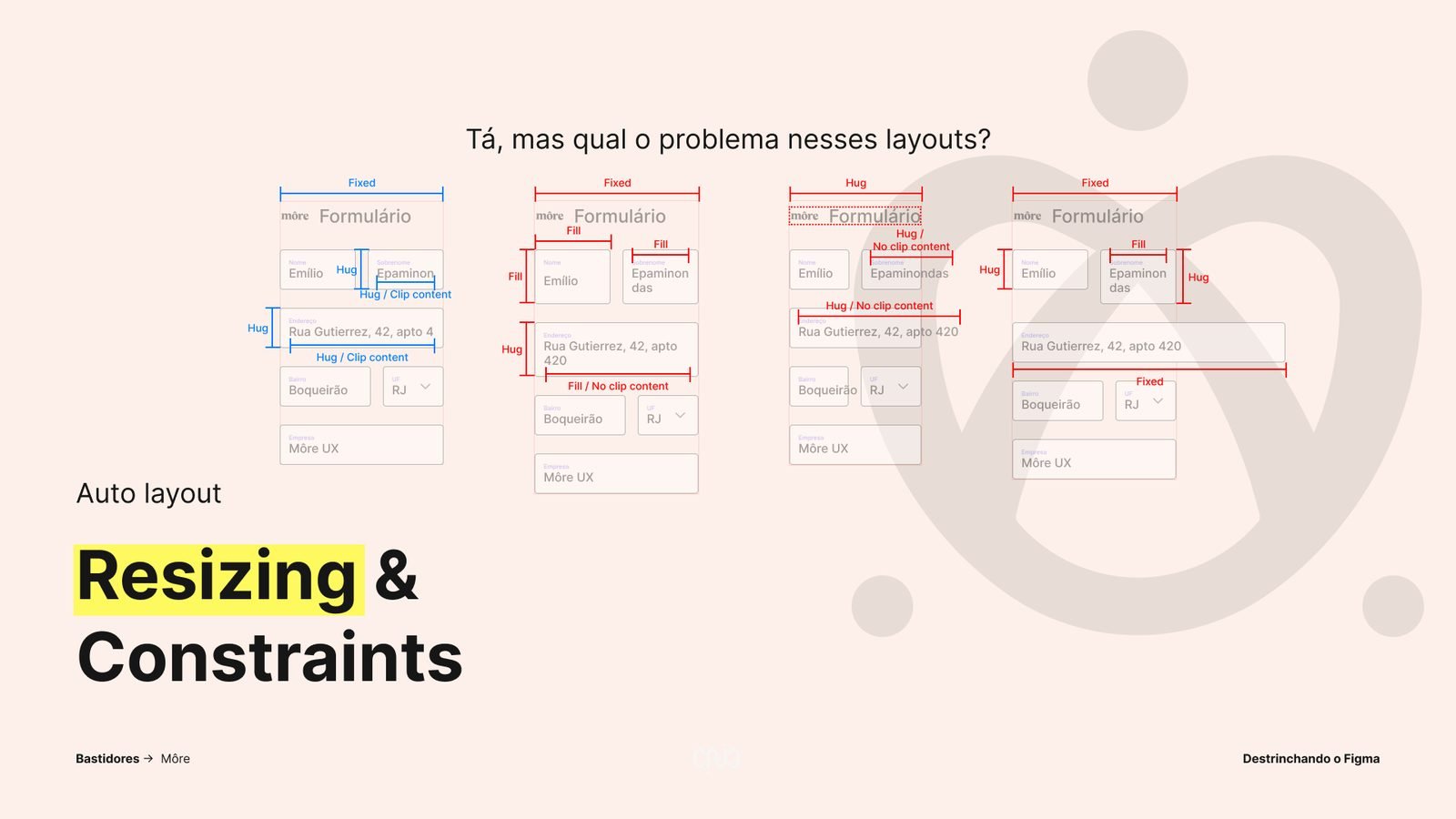
The talk follows the order in which a file is built: the why first, then build rules, auto layout, components and, at the end, tips and benefits. Figma shows up as a tool for the whole process, from discovery to hand-off, not just for layout.
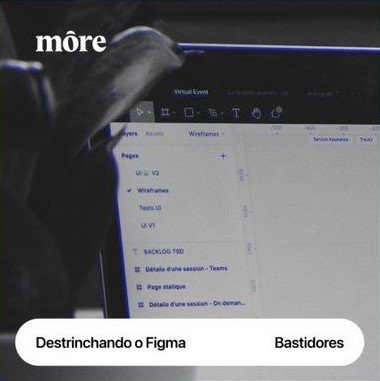


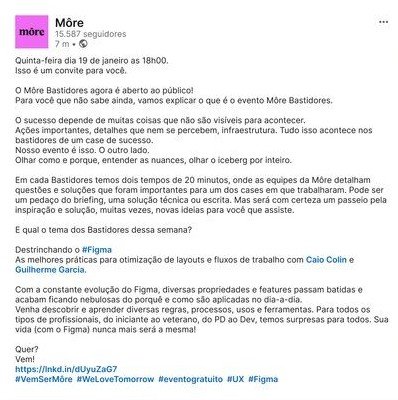
Promotion
Event pieces and the LinkedIn post for the Unpacking Figma series. The recording is on môre’s YouTube channel.
Given again, already evolved
The same talk was later given to Nutrien’s Latin America design team, updated with what was new in Figma:
- The Inspect tab gave way to Dev Mode
- Auto layout gained wrapping
What comes next
Our next steps for the material:
- A part 2 on variables and prototyping
- Using AI with well-built Figma files
- Further down the line, a course open to the public
Impact
Less rework and more time for ideation and product evolution.